Smart Multi-Company Car Trips

Book Smarter Rides Across Multiple Car Companies

Wingo is a smart travel app that lets users either book directly with a single car company or compare offers from multiple providers to find the best trip based on price, time, and convenience.
2 Booking Modes Direct booking or multi-company comparison
Better Trip Choices Compare timing, pricing, and availability easily
One Seamless App Everything users need in one smart experience
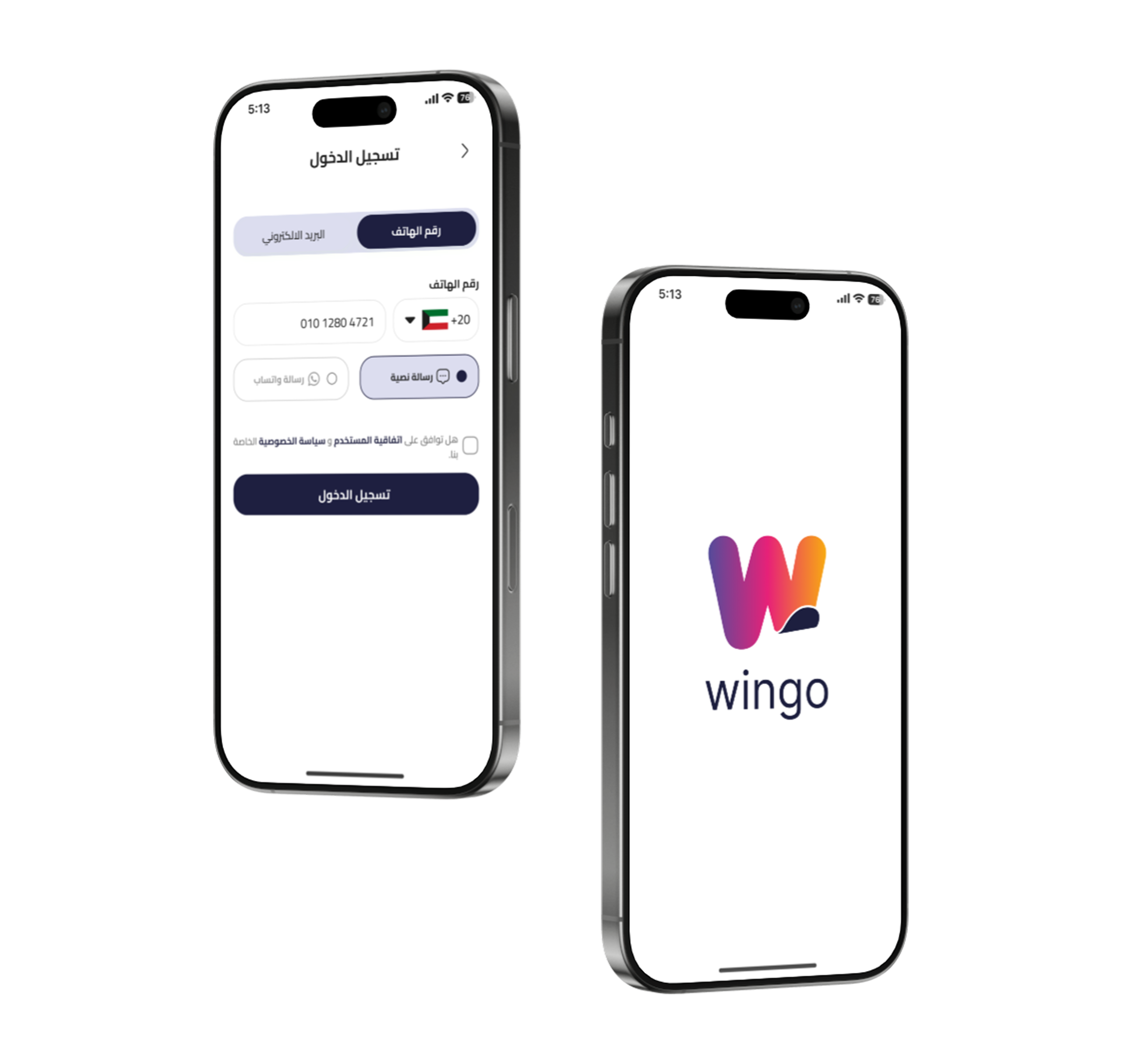
Wingo app mockup
Wingo onboarding
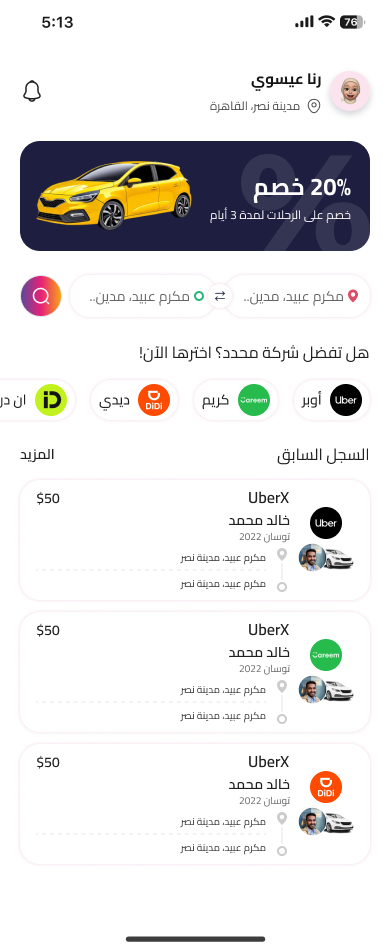
Wingo home screen

One App. Two Smart Ways to Book Your Trip

Wingo brings multiple car trip providers into one modern platform, making it easier for users to either book from a specific company they already trust or compare offers from different companies to choose the most suitable ride.

01

Direct Company Booking

Users can browse one company directly and reserve a trip from its available rides and schedules.

02

Compare Multiple Offers

Users can enter destination details once and instantly receive matching offers from several companies.

03

Choose the Best Option

Trips can be compared by price, timing, and convenience so users can book with more confidence.

Everything Users Need for a Better Booking Experience

Wingo is designed to simplify trip booking through a faster, clearer, and more flexible experience across multiple transport companies.

01

Browse by Company

Users can access a selected provider directly and check available trips without extra steps.

02

Request Trip Offers

Users can submit destination details once and receive offers from multiple companies.

03

Compare Price & Time

Trip options can be reviewed side by side to find the best balance between cost and schedule.

04

Fast Booking Flow

The booking journey is optimized to be quick, clear, and comfortable for mobile users.

05

Simple User Experience

A modern interface helps users focus on booking the right trip without confusion.

06

Smarter Decisions

Users no longer need to search manually across many companies to find the right ride.

App Screens

Explore Wingo Through Every Key Screen

Discover the full Wingo experience from onboarding and login to booking, maps, trip tracking, wallet, history, and ride requests in one smooth journey.

Splash Screen
Login Screen
Home Screen
Map Screen
Waiting to Arrive Screen
Wallet Screen
History Screen
Requests Screen

Designed Around Real Booking Behavior

Some users already know the company they want. Others want the best offer available. Wingo supports both booking behaviors in one simple and flexible experience.

Step 1

Select your booking mode

Choose between booking directly with one company or comparing offers from multiple providers.

Step 2

Enter destination details

Add your route and trip information to receive relevant results quickly and clearly.

Step 3

Review and confirm

Compare available rides and book the option that fits your timing, price, and preference.

Wingo app preview

One Destination. Multiple Companies. Better Choices.

Make trip booking easier with a smarter experience that gives users flexibility, clarity, and more control over every ride.

Your smarter trip starts here